Mobile Banking Security Best Practices
Introduction
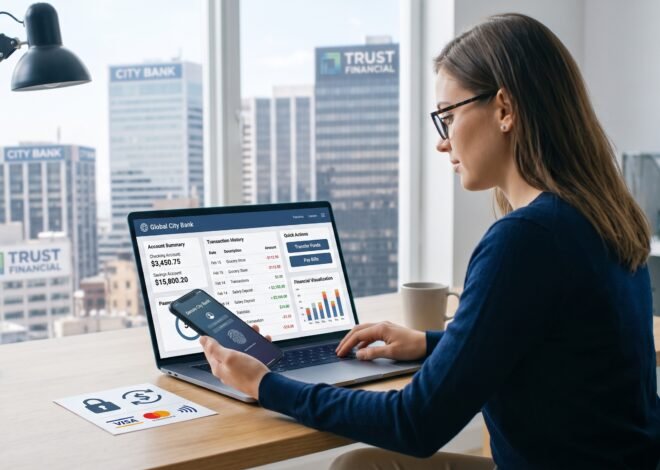
Mobile banking has become one of the most widely used financial services in the world. Smartphones and mobile applications allow individuals to manage bank accounts, transfer funds, pay bills, monitor transactions, and perform many other banking activities from virtually any location. While mobile banking offers convenience and accessibility, it also introduces security risks that can threaten personal and financial information.
Cybercriminals continuously develop methods to target mobile banking users through phishing attacks, malware, identity theft, and unauthorized account access. Understanding mobile banking security best practices helps individuals protect their financial information and reduce the risk of fraud.
This guide explains the most effective security practices for using mobile banking safely and maintaining financial security.
What Is Mobile Banking?
Mobile banking refers to financial services accessed through smartphones, tablets, and mobile applications provided by banks and financial institutions.
Common mobile banking activities include:
- Checking account balances
- Transferring money
- Paying bills
- Depositing checks
- Managing savings accounts
- Applying for loans
- Monitoring investments
- Receiving transaction alerts
Mobile banking allows customers to perform financial transactions without visiting a bank branch.
Why Mobile Banking Security Matters
Financial information is valuable to cybercriminals.
Poor security practices can result in:
- Unauthorized transactions
- Identity theft
- Account takeovers
- Financial fraud
- Data theft
- Credit damage
- Financial losses
Protecting mobile banking accounts helps preserve financial security and personal privacy.
Use Strong Passwords
A strong password is one of the most important security measures.
A secure password should:
- Be long
- Include uppercase letters
- Include lowercase letters
- Include numbers
- Include special characters
- Avoid personal information
Avoid using:
- Birth dates
- Names
- Phone numbers
- Simple number patterns
- Common words
Examples of weak passwords include:
- 123456
- password
- abc123
Strong passwords reduce the risk of unauthorized access.
Use Unique Passwords
Never use the same password across multiple accounts.
Using unique passwords ensures that if one account becomes compromised, other accounts remain protected.
Consider using separate passwords for:
- Banking accounts
- Email accounts
- Social media accounts
- Shopping accounts
- Financial applications
Unique credentials improve overall cybersecurity.
Enable Multi-Factor Authentication
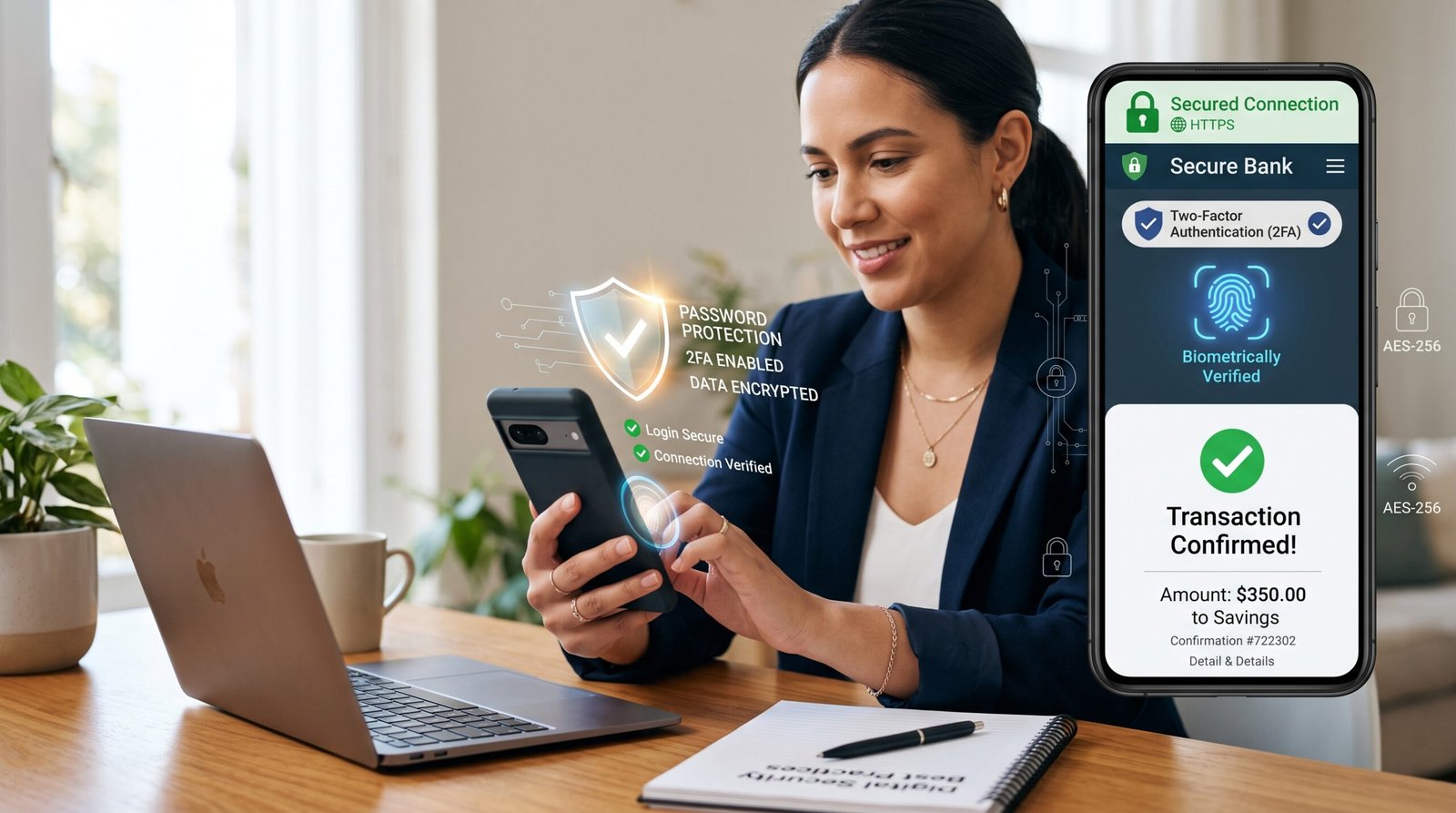
Multi-factor authentication adds additional security layers.
Common authentication methods include:
- SMS verification codes
- Authentication applications
- Email verification
- Fingerprint scanning
- Facial recognition
The authentication process typically requires:
- Username
- Password
- Secondary verification
Multi-factor authentication significantly reduces unauthorized access.
Use Biometric Authentication
Many banking applications support biometric security.
Examples include:
- Fingerprint recognition
- Facial recognition
- Voice recognition
Benefits include:
- Faster login
- Increased security
- Reduced password exposure
Biometric authentication adds another level of protection.
Download Banking Apps Only From Official Sources
Always download banking applications from official platforms.
Examples include:
- Official app stores
- Official bank websites
Avoid:
- Third-party websites
- Unverified application stores
- Suspicious download links
Using official sources reduces malware risks.
Keep Banking Applications Updated
Software updates often contain security improvements.
Updates may address:
- Security vulnerabilities
- Application bugs
- Performance issues
- Fraud prevention features
Enable automatic updates whenever possible.
Regular updates improve account protection.
Update Your Mobile Device
Mobile operating systems also require updates.
Updates improve:
- Security systems
- Device performance
- Malware protection
- Privacy controls
Outdated devices may contain vulnerabilities that attackers can exploit.
Maintaining current software reduces security risks.
Avoid Public Wi-Fi Networks
Public Wi-Fi networks may expose financial information.
Examples include:
- Airports
- Cafes
- Hotels
- Shopping centers
- Public transportation hubs
Public networks may allow attackers to intercept:
- Login credentials
- Account information
- Financial transactions
Use:
- Mobile data connections
- Secure private networks
- Virtual private networks (VPNs)
Secure connections improve banking safety.
Monitor Account Activity Regularly
Frequent account monitoring helps identify suspicious activity.
Review:
- Account balances
- Transaction history
- Payment activity
- Login notifications
- Transfer records
Regular monitoring allows rapid responses to unauthorized activity.
Enable Transaction Alerts
Many banks provide account notifications.
Alerts may include:
- Login attempts
- Account balance changes
- Withdrawals
- Deposits
- Transfers
- Credit card activity
Notifications help customers detect unusual account activity quickly.
Avoid Saving Login Information
Saving banking passwords on devices can create security risks.
Avoid storing:
- Usernames
- Passwords
- Security questions
- Authentication codes
If a device is lost or stolen, saved credentials may expose financial accounts.
Manual login improves security.
Lock Your Mobile Device
Mobile device security is essential.
Use:
- PIN codes
- Passwords
- Fingerprint locks
- Facial recognition
Screen locks prevent unauthorized access if devices are lost or stolen.
Automatic screen locking also improves security.
Be Careful With Phishing Attacks
Phishing attacks attempt to steal financial information.
Common methods include:
- Fake emails
- Fraudulent text messages
- Phone calls
- Fake websites
- Social media messages
Warning signs include:
- Urgent requests
- Unusual links
- Spelling errors
- Requests for personal information
Always verify communication through official banking channels.
Verify Website Security
When using browser-based mobile banking, verify website security.
Look for:
- HTTPS encryption
- Security certificates
- Official website addresses
Avoid entering banking information on unsecured websites.
Secure websites protect transmitted information.
Avoid Rooting or Jailbreaking Devices
Modified devices often have reduced security protections.
Risks include:
- Malware infections
- Unauthorized access
- Reduced encryption
- Application vulnerabilities
Using manufacturer-approved operating systems improves security.
Use Secure Internet Connections
Whenever possible, use:
- Home internet networks
- Trusted office networks
- Mobile data connections
Secure internet access reduces exposure to cyber threats.
Log Out After Banking Sessions
Always log out after completing banking activities.
Logging out helps prevent:
- Unauthorized access
- Session hijacking
- Accidental account exposure
Closing the application alone may not end active sessions.
Protect Personal Information
Avoid sharing:
- Account numbers
- Passwords
- Security questions
- Authentication codes
- Personal identification information
Banks generally do not request sensitive information through email or text messages.
Protecting personal information reduces fraud risks.
Install Mobile Security Software
Security applications can help detect threats.
Features may include:
- Malware scanning
- Device monitoring
- Threat detection
- Privacy protection
Security software provides additional protection layers.
Backup Important Data
Regular backups protect against:
- Device failures
- Data loss
- Theft
- Malware attacks
Backup methods include:
- Cloud storage
- External storage devices
- Secure backup applications
Maintaining backups improves recovery options.
What to Do if Your Device Is Lost
If your device is lost:
- Contact your bank immediately.
- Change banking passwords.
- Disable mobile banking access.
- Activate remote device locking.
- Monitor financial accounts.
- Report suspicious activity.
Immediate action reduces financial risk.
Common Mobile Banking Threats
Major threats include:
Phishing
Fraudulent attempts to steal information.
Malware
Malicious software designed to access financial data.
Identity Theft
Criminals using personal information for financial gain.
Account Takeover
Unauthorized access to banking accounts.
Public Wi-Fi Attacks
Interception of financial communications.
Understanding threats improves prevention.
Benefits of Following Security Best Practices
Security practices provide several advantages.
Benefits include:
- Reduced fraud risk
- Better account protection
- Improved privacy
- Greater financial confidence
- Lower financial losses
- Enhanced personal security
Consistent security habits strengthen financial protection.
Mobile Banking Security Checklist
| Security Practice | Recommended |
|---|---|
| Strong Passwords | Yes |
| Multi-Factor Authentication | Yes |
| Biometric Login | Yes |
| Official Banking Apps | Yes |
| Regular Updates | Yes |
| Transaction Alerts | Yes |
| Secure Networks | Yes |
| Account Monitoring | Yes |
Following these practices improves mobile banking security.
Conclusion
Mobile banking provides convenient access to financial services, but it also requires careful attention to security. Cyber threats continue to evolve, making it essential for users to adopt strong security practices and remain vigilant.
Using strong passwords, enabling multi-factor authentication, updating devices, avoiding public networks, monitoring accounts, and recognizing fraud attempts can significantly reduce financial risks. By following mobile banking security best practices, individuals can safely enjoy the convenience and benefits of modern digital banking services.
Frequently Asked Questions (FAQ)
Is mobile banking safe?
Yes. Mobile banking is generally safe when users follow recommended security practices.
What is multi-factor authentication?
Multi-factor authentication requires more than one method of identity verification before granting account access.
Should I use public Wi-Fi for banking?
No. Public Wi-Fi networks may expose financial information to security risks.
What should I do if I suspect fraud?
Contact your bank immediately, change passwords, and monitor account activity.
Are banking apps safer than websites?
Both can be secure when provided by legitimate financial institutions and used properly.
Should I save my banking password on my phone?
Saving banking passwords on devices is generally not recommended.
How often should I check my bank account activity?
Regular monitoring, preferably daily or weekly, helps identify suspicious transactions quickly.

Related Posts
Tips For Choosing The Right Bank
Checking Account Vs Savings Account Explained